Backup Appliance
The ShadowCradle Backup Appliance
The appliance receives backups from your agents, stores them deduplicated and encrypted, and restores them when you need them. Manage it in your browser or from the ShadowCradle cloud.
Agent backups
GFS retention
Point-in-time recovery
Replication
Optional cloud link
What the Appliance Does
Protected systems
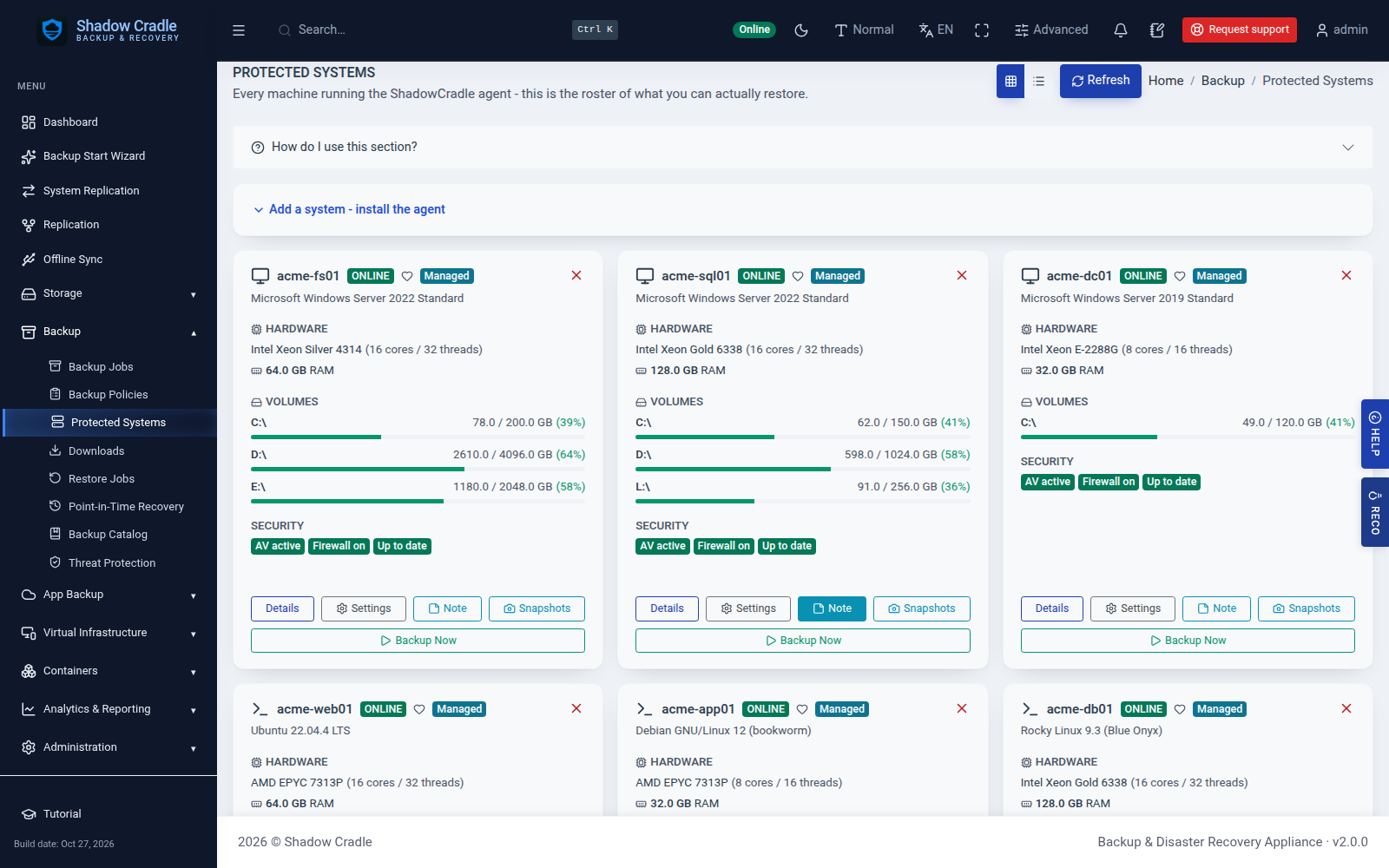
See every machine that backs up to the appliance, with volumes and security status. Start or pause an upload, or queue an incremental or full backup.
Policies and retention
Keep restore points with simple retention or grandfather-father-son (GFS) retention.
Point-in-time recovery
Browse files, export a disk image, or boot a restore point as a virtual machine.
Replication
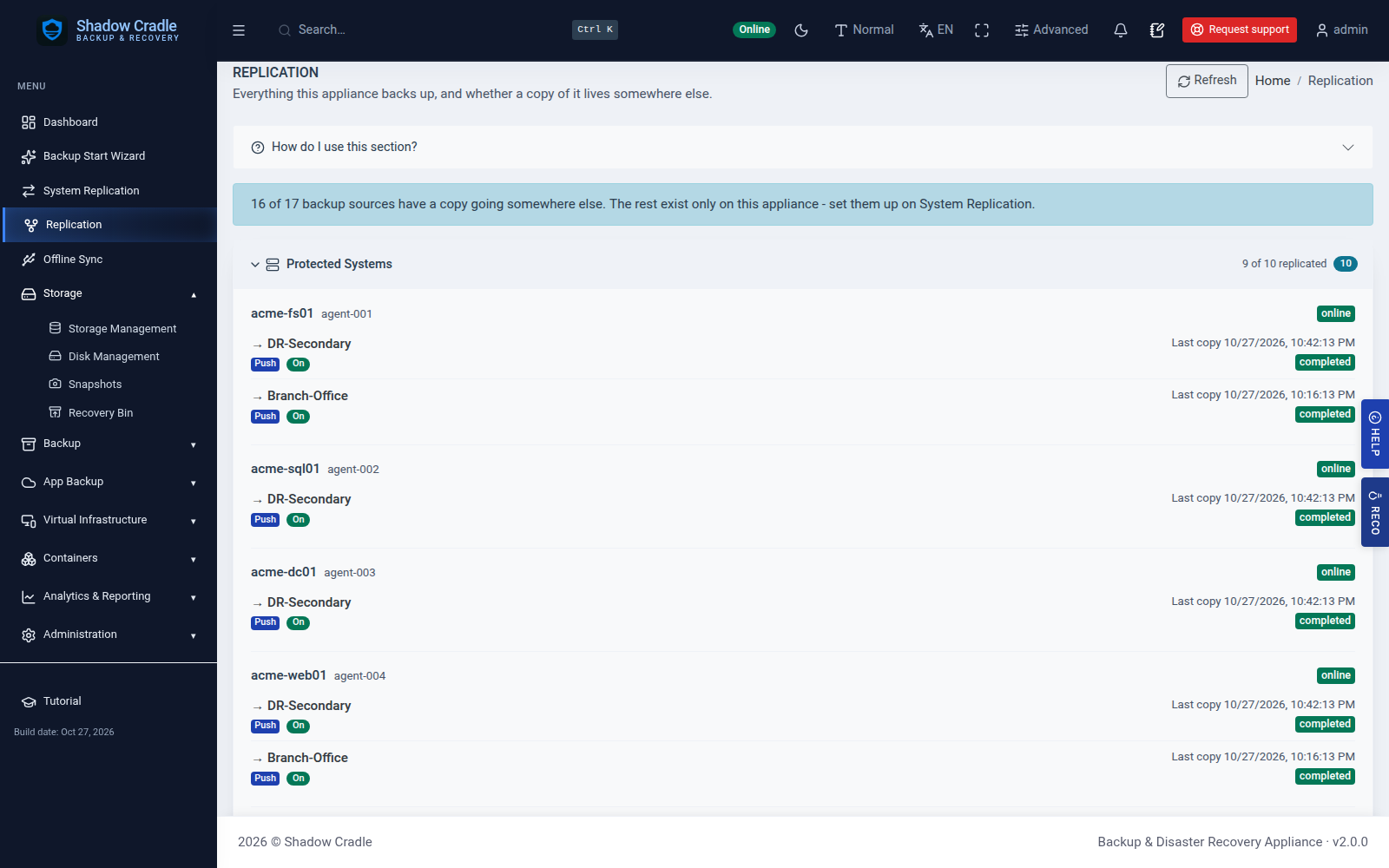
Copy backups to another appliance, to offsite storage, or on a USB drive.
Alerts and reports
Alert rules with webhooks, plus reports for backup summary, storage and SLA.
Access control
Sign in with 2FA. Roles for admin, operator and viewer.
What It Backs Up
Agents send machines and files. The appliance also pulls from other sources.
Databases
MySQL, MariaDB, PostgreSQL, MongoDB, Redis and SQLite, plus SQL Server and Oracle.
Containers
Docker, Swarm and Kubernetes clusters.
Network devices
SSH, Telnet and TFTP config backup with diffs.
Object storage and NAS
S3-compatible buckets and NAS shares.
Cloud apps
Google Workspace, Dropbox and Box.
Inside the Appliance
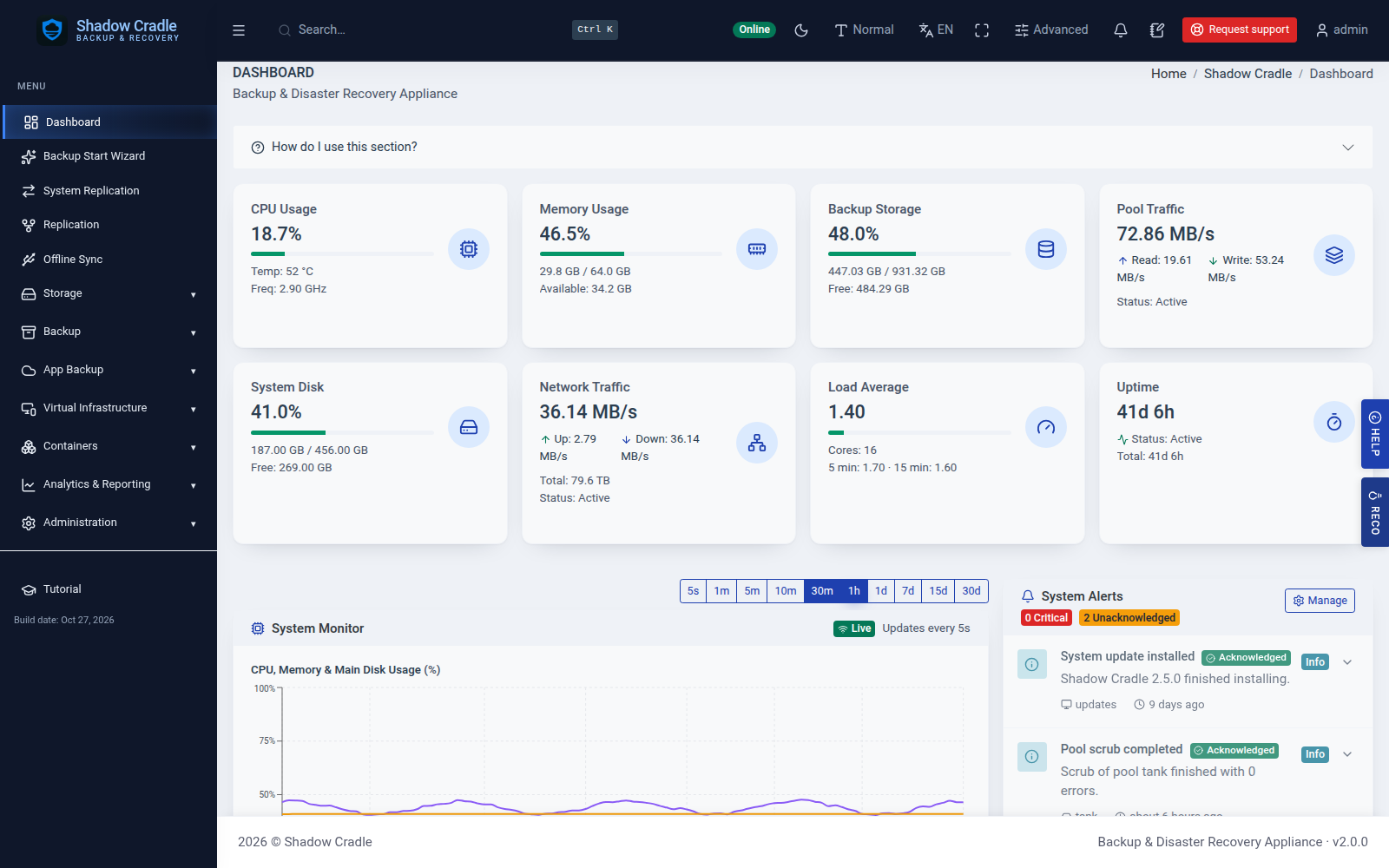
Screens from the live demo with sample data.
Also included
- Whole-Office Recovery for coordinated multi-system recovery
- Promote a recovery clone to production
Data loss stops here
Write-once retention and self-healing storage engineered to make data loss the exception, not the outcome.
Backups that test themselves
Scheduled restore tests - recovery you've watched work.
Audit-ready by default
Reports to support HIPAA · SOC 2 · GDPR work, from the dashboard. Not a certification.
A team behind every deployment
Real engineers on the line, with fast follow-up.