Docker Backup
Back Up Docker and Container Hosts
Protect Docker hosts, Swarm clusters and Kubernetes clusters as whole units. Restore a cluster in a sandbox to check it works. Protect single containers with a policy. Everything lands on your ShadowCradle appliance.
Docker
Docker Swarm
Kubernetes
Instant recovery sandbox
Per-container policies
Whole-Cluster Backup
A small collector runs on the host. It reports to your appliance. The cluster is backed up as one unit.
Three cluster types
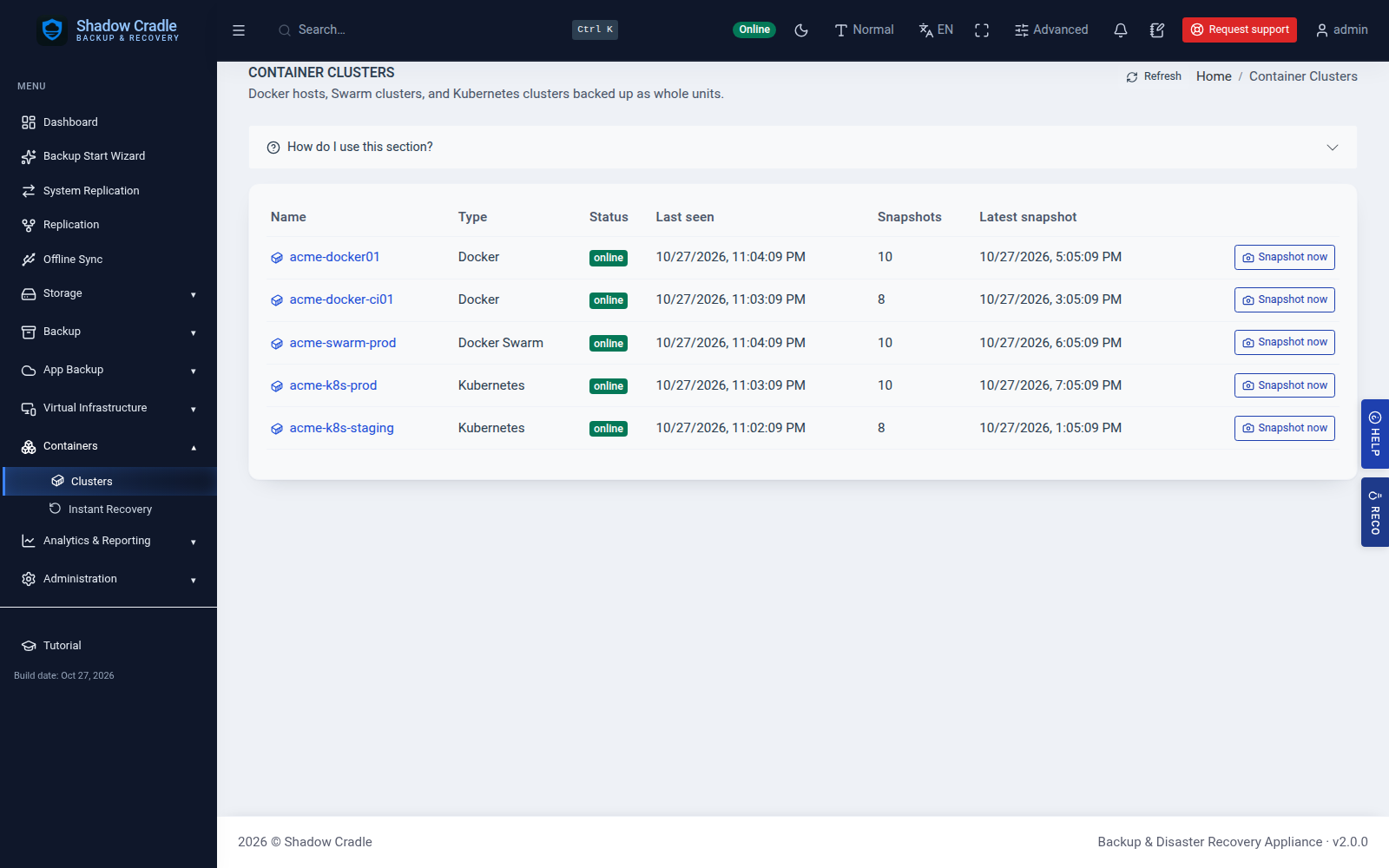
Back up a single Docker host, a Docker Swarm cluster, or a Kubernetes cluster. Each shows up in the appliance as one cluster.
Snapshots on demand
Queue a snapshot from the appliance. Each snapshot keeps the members of the cluster, such as containers, volumes, networks and configs, so you can browse them.
Host-side collector
The collector connects to the appliance over HTTP. Each cluster gets its own token, so a restart does not make a duplicate cluster.
Packaged installers
Install with one line as root: curl -fsSL https://cdn.shadowcradle.com/download/cluster-collector/linux/stable/latest/install.sh | sudo sh -s -- --appliance https://YOUR-APPLIANCE --name prod-docker --type docker. The type is docker, swarm or kubernetes. deb and rpm packages and arm64 builds are also published.
Replicate to a peer
Push a cluster and its snapshots to a paired appliance with the same state sync used for other workloads.
Instant Recovery Sandbox
Start a recovered cluster in a throwaway sandbox before you trust it.
Docker and Swarm
A recovered Docker or Swarm snapshot runs inside a Docker-in-Docker sandbox on the appliance.
Kubernetes
A recovered Kubernetes snapshot runs in a k3d sandbox, which is k3s inside Docker.
Stop and delete
Stop or delete a sandbox when you are done. Your backup is not touched.
Single Container Backup
You can also protect one container at a time from the appliance.
Policy per container
Set retention, compression, encryption and email alerts for each container.
Back up now
Run a backup on demand. The container is saved as an image archive.
Locked-down controls
Container actions need an admin. Commands use fixed argument lists, and host paths are checked against an allow list. Mounting the Docker socket is refused.
Database restore checks
Spin up a MySQL, MariaDB, PostgreSQL or MongoDB container from a backup to inspect it and test a restore.
Inside the Appliance
Screens from the live demo with sample data.
Also included
- Automatic scheduled runs for single-container policies
Docker features need the Docker command line on the appliance. If it is missing, the appliance tells you instead of failing.
Data loss stops here
Write-once retention and self-healing storage engineered to make data loss the exception, not the outcome.
Backups that test themselves
Scheduled restore tests - recovery you've watched work.
Audit-ready by default
Reports to support HIPAA · SOC 2 · GDPR work, from the dashboard. Not a certification.
A team behind every deployment
Real engineers on the line, with fast follow-up.