Cloud Backup
Back Up Cloud Disks on AWS, Azure and Google
Turn an AWS EBS volume, an Azure managed disk or a Google persistent disk into a compressed, encrypted backup on storage you control. There is no worker VM to run. Restore to a disk image or write it back to a new cloud snapshot.
AWS EBS
Azure managed disks
Google persistent disks
AES-256-GCM
No worker VM
How It Works
The engine reads snapshot blocks straight from the cloud provider.
Reads from the provider
No helper VM in your account. The engine takes a snapshot and reads its blocks directly.
Full, then incremental
The first backup of a volume is full. Every later one is incremental and stores only changed blocks.
Smart change tracking
AWS reports changed blocks itself. Azure and Google do not, so the engine compares blocks on its side.
Empty space costs nothing
Blocks that are all zeros are not stored. Sparse disks stay small.
Efficient and Encrypted
Deduplication
Data is split into 512 KB blocks. Identical blocks are stored once, using a BLAKE3 hash.
Compression
Blocks are compressed with lz4 or zstd.
AES-256-GCM encryption
Each volume has its own key, made from your passphrase. The key is never written to the store.
Restore Your Way
Choose the format that fits where you want to run the disk.
Disk image
Restore to a RAW image, or to QCOW2 when qemu-img is installed. Use it on KVM, VMware or bare metal.
Back to the cloud
Write a backup into a new cloud snapshot. This is how you restore into the cloud.
Same format as the appliance
Backups use the same block store as the ShadowCradle appliance. An automated test restores one with the appliance library and no conversion.
CLI and REST API
Run backups and restores from the command line or the API.
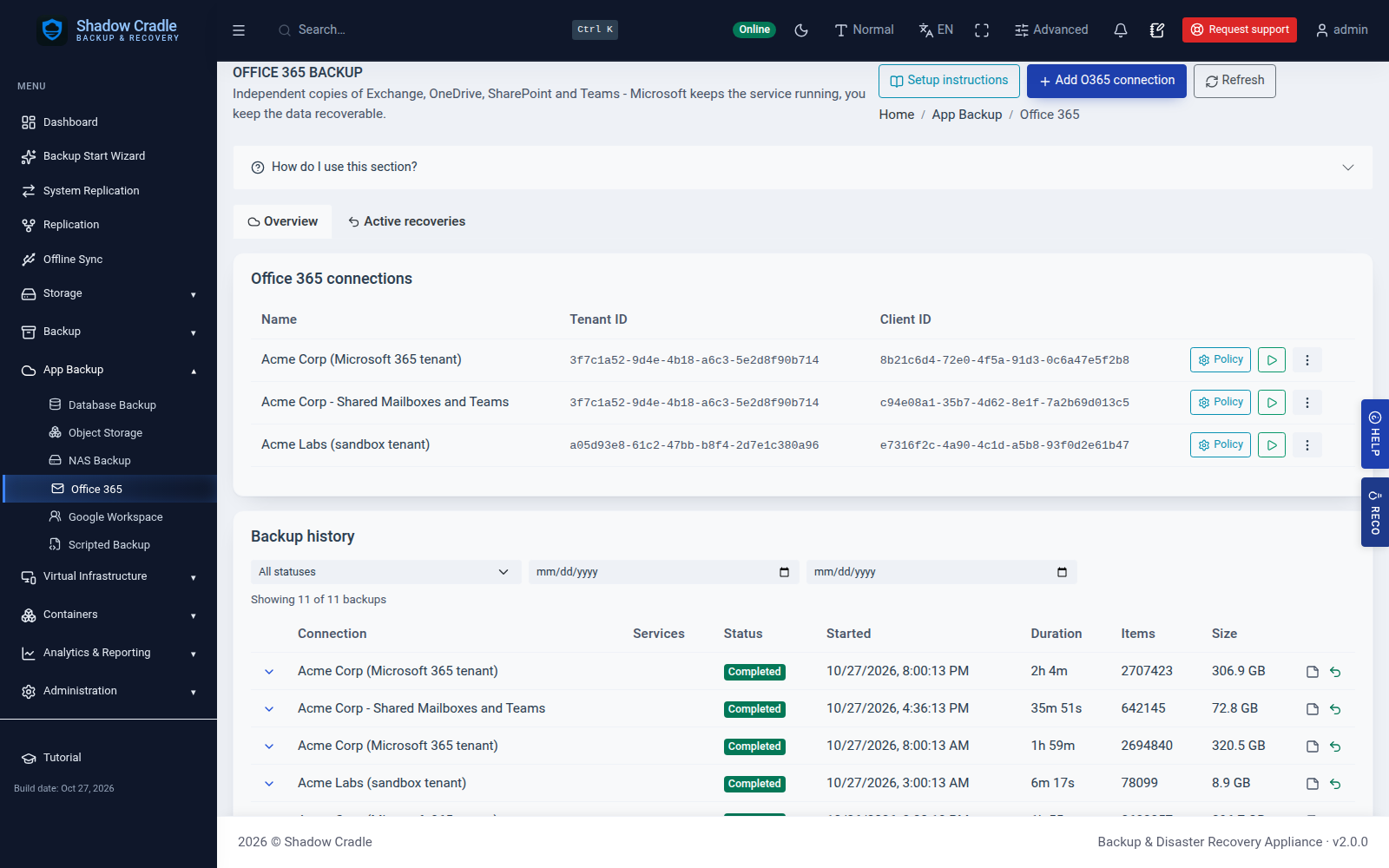
Inside the Appliance
Screens from the live demo with sample data.
Also included
- Built-in scheduling and retention rules
- Sign-in and access control for the API
- Application-consistent backup
- Cloud object storage as a backup target
- Management from the appliance console
Data loss stops here
Write-once retention and self-healing storage engineered to make data loss the exception, not the outcome.
Backups that test themselves
Scheduled restore tests - recovery you've watched work.
Audit-ready by default
Reports to support HIPAA · SOC 2 · GDPR work, from the dashboard. Not a certification.
A team behind every deployment
Real engineers on the line, with fast follow-up.