Retention and Scheduling
Retention and Scheduling
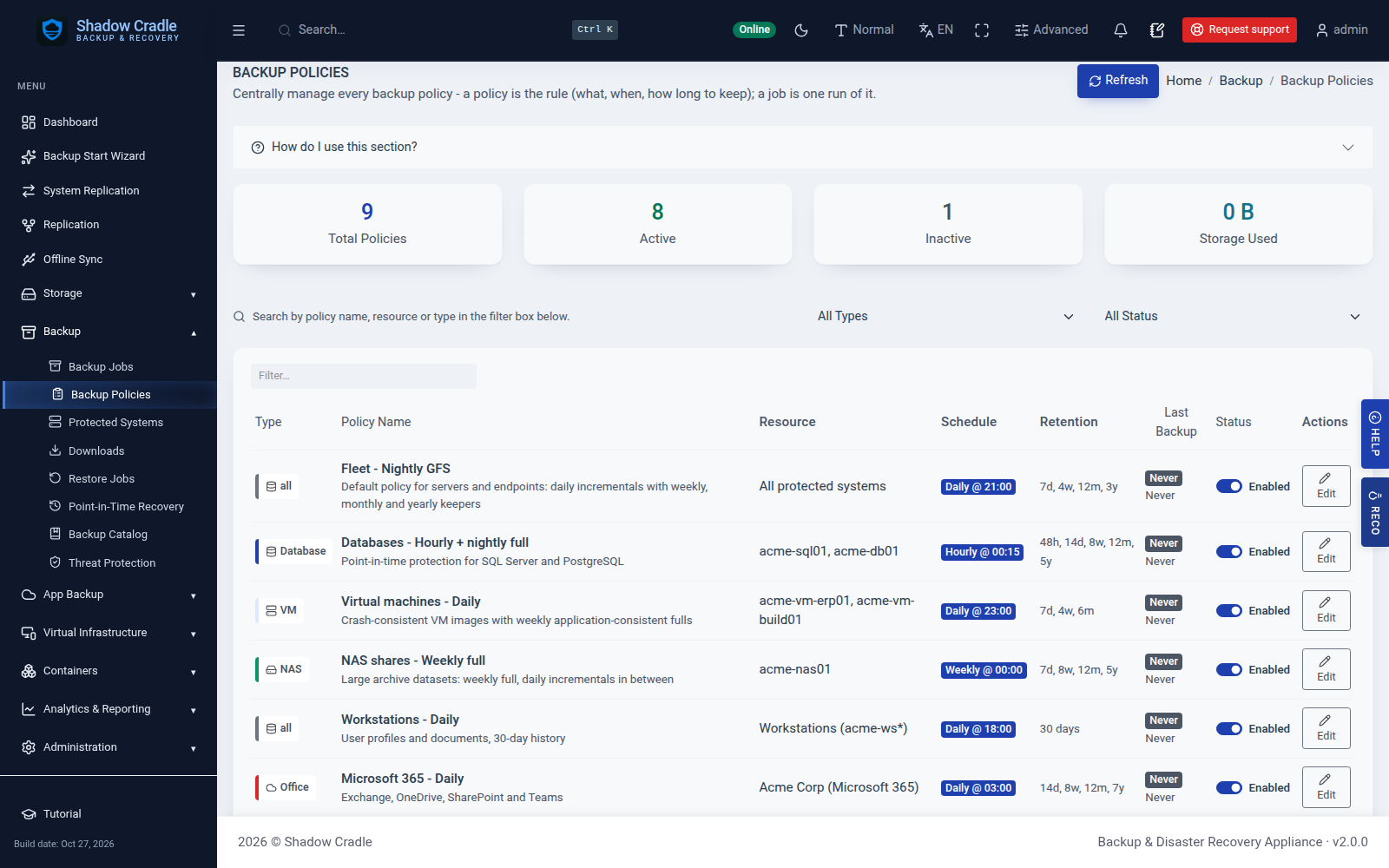
Choose how often to back up and how long to keep restore points. Use simple rules, or keep hourly, daily, weekly, monthly and yearly points with GFS retention.
GFS retention
Sub-hourly schedules
Blackout windows
Load guard
Cloud policy push
Retention
Set it per policy.
Simple retention
Keep a number of days and a maximum number of full backups.
GFS retention
Keep hourly, daily, weekly, monthly and yearly restore points. A live preview shows what you keep.
Write-once seals
Lock a restore point so it cannot be deleted or unlocked inside its window.
Schedules on the Agent
The backup agent runs the schedule on each machine.
Sub-hourly backups
Presets for frequent incremental backups.
Blackout windows
Keep backups out of busy hours.
Load guard
Back off when CPU or disk is busy.
Missed-slot catch-up
Run a backup that was missed while the machine was off.
Policy from the cloud
Push schedules and retention to your fleet from the ShadowCradle cloud.
Inside the Appliance
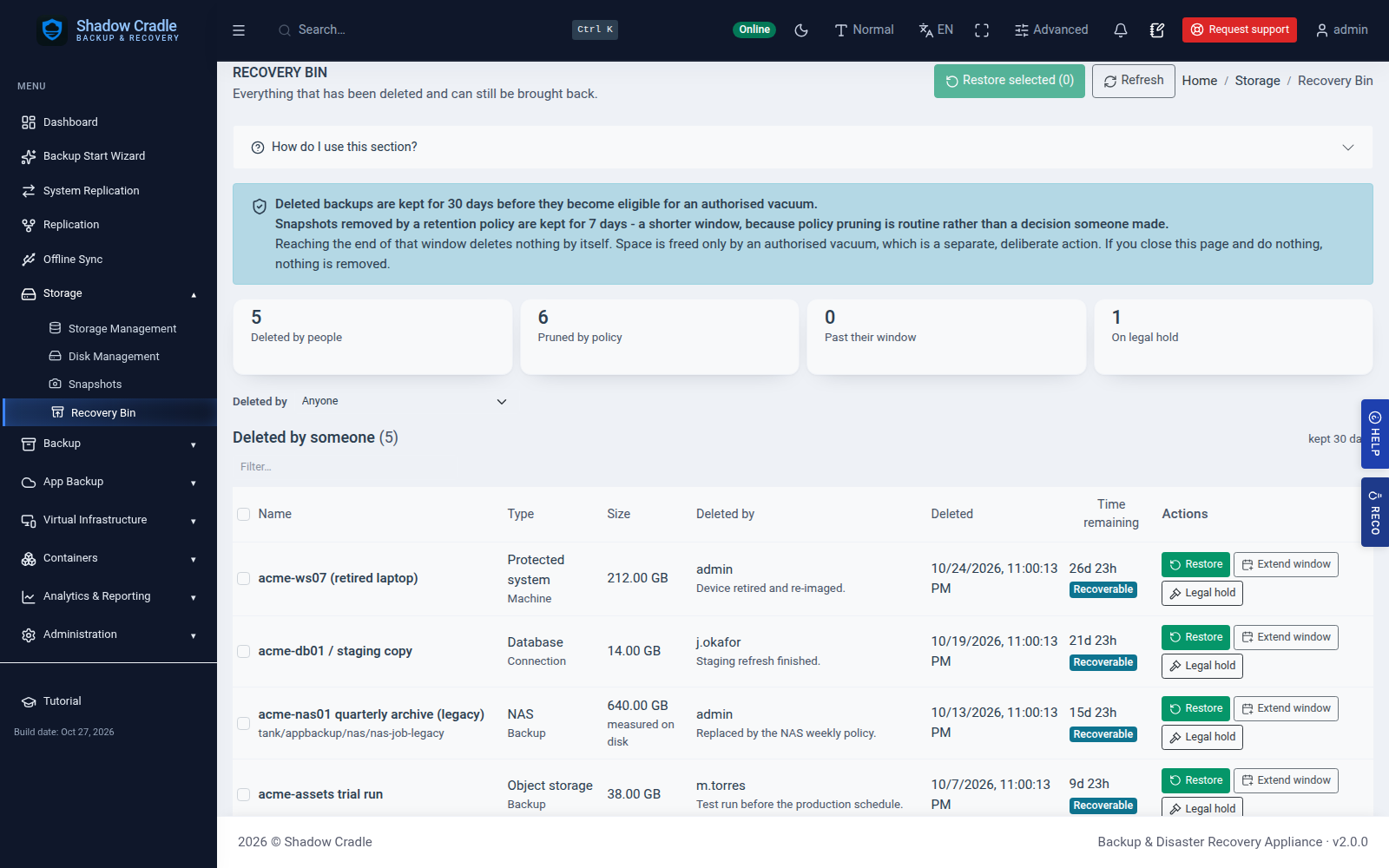
Screens from the live demo with sample data.
Part of the Full ShadowCradle Platform
Data loss stops here
Write-once retention and self-healing storage engineered to make data loss the exception, not the outcome.
Backups that test themselves
Scheduled restore tests - recovery you've watched work.
Audit-ready by default
Reports to support HIPAA · SOC 2 · GDPR work, from the dashboard. Not a certification.
A team behind every deployment
Real engineers on the line, with fast follow-up.